

UI UX Design Services Built Around Better User Experiences

 User-Focused Design
 Expertise in Brand Strategy & Identity
Design
Expertise in Brand Strategy & Identity
Design Responsive & Conversion-Focused UX
User Experience Design That Makes Digital Products Easier to Use
Great design is not only about colors, typography, and imagery.
User experience design focuses on how easily someone can interact with your website, application, or digital product.
We look at questions such as:
- Can users find what they need quickly?
- Is the navigation easy to understand?
- Are important actions obvious?
- Are forms simple to complete?
- Does the experience work well on mobile?
- Are users encountering unnecessary friction?
By improving these areas, businesses can create more useful digital experiences and reduce the chances of visitors leaving because of confusion.
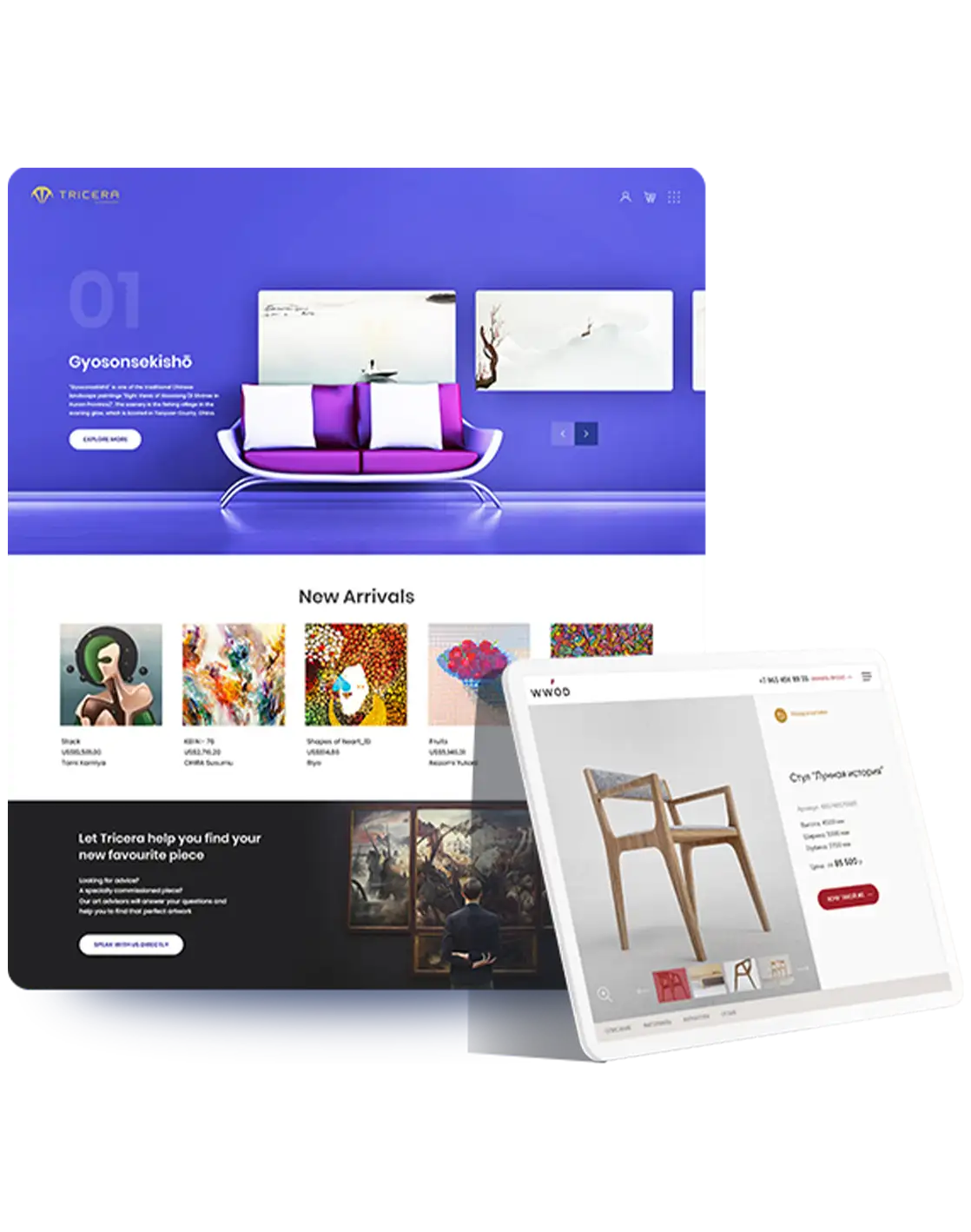
Website UX Design Focused on Engagement and Conversion
A website should guide visitors through a clear journey.
Our website UX design approach focuses on how users move from:
Landing Page → Information → Trust → Decision → Action
We design layouts and content flows that help users understand your offer and move naturally toward actions such as:
- Requesting a quote
- Booking a consultation
- Completing a form
- Calling your business
- Purchasing a product
- Creating an account
Good UX supports both customer satisfaction and business performance.
Responsive UI UX Design
Users may interact with your digital product on:
- Smartphones
- Tablets
- Laptops
- Desktop computers
Our UI UX process considers different screen sizes from the beginning.
Responsive UX includes:
- Flexible layouts
- Mobile-friendly navigation
- Touch-friendly controls
- Readable typography
- Proper spacing
- Responsive forms
- Prioritized mobile content
The goal is to maintain a useful experience across devices rather than simply shrinking the desktop version.
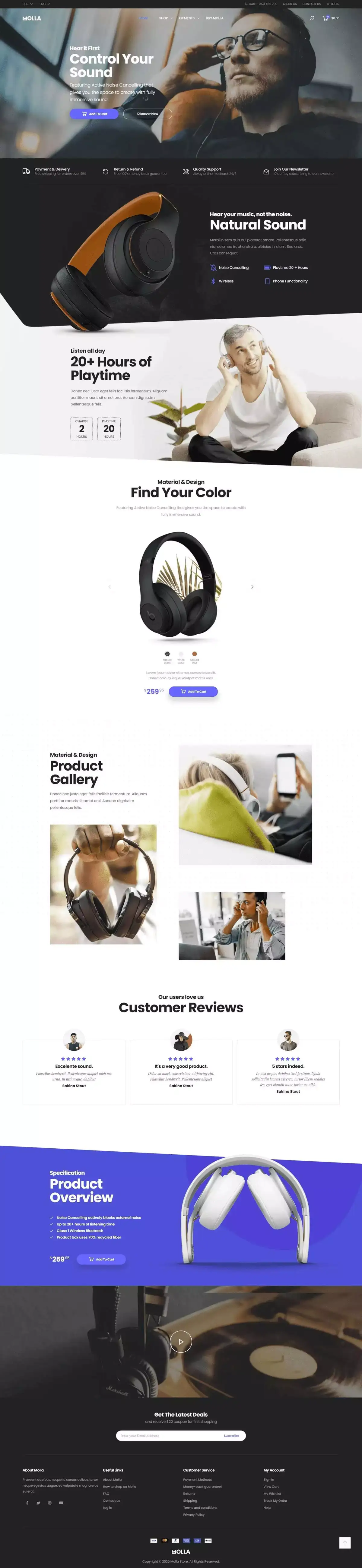
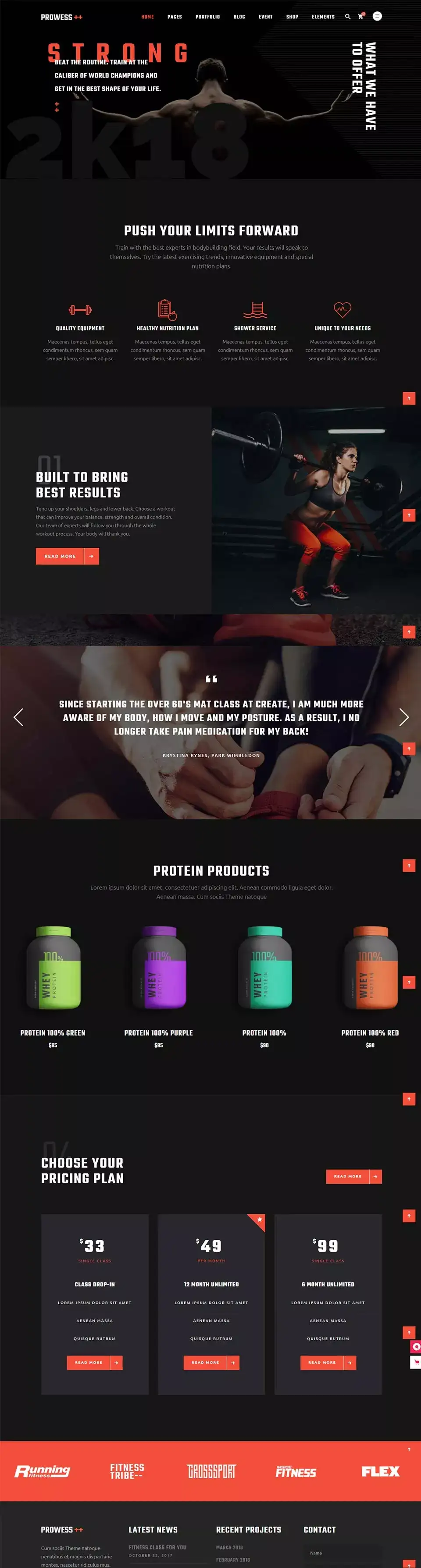
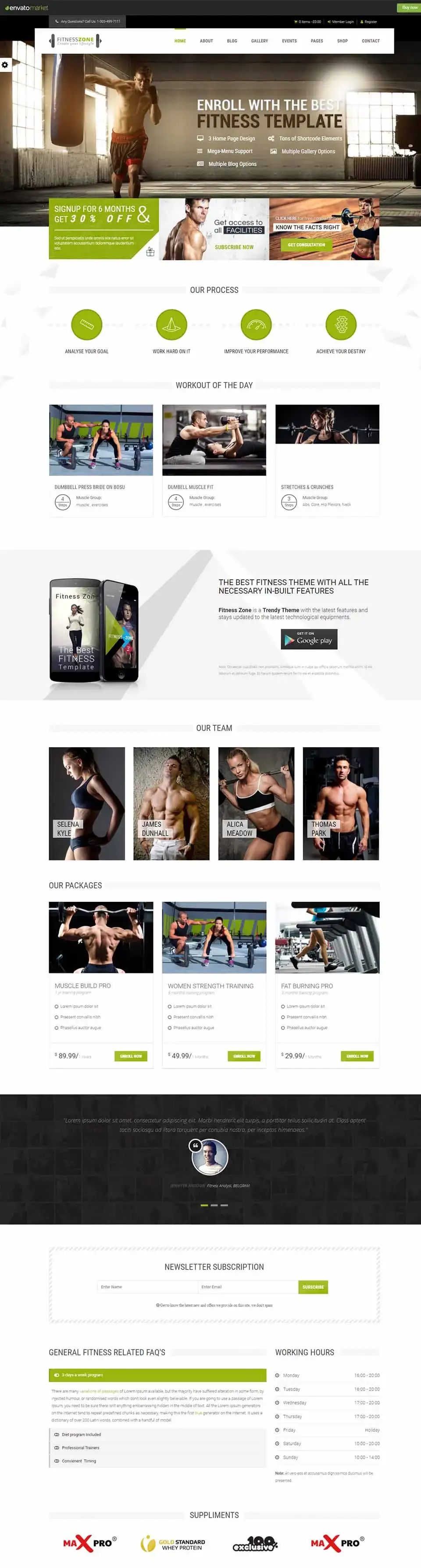
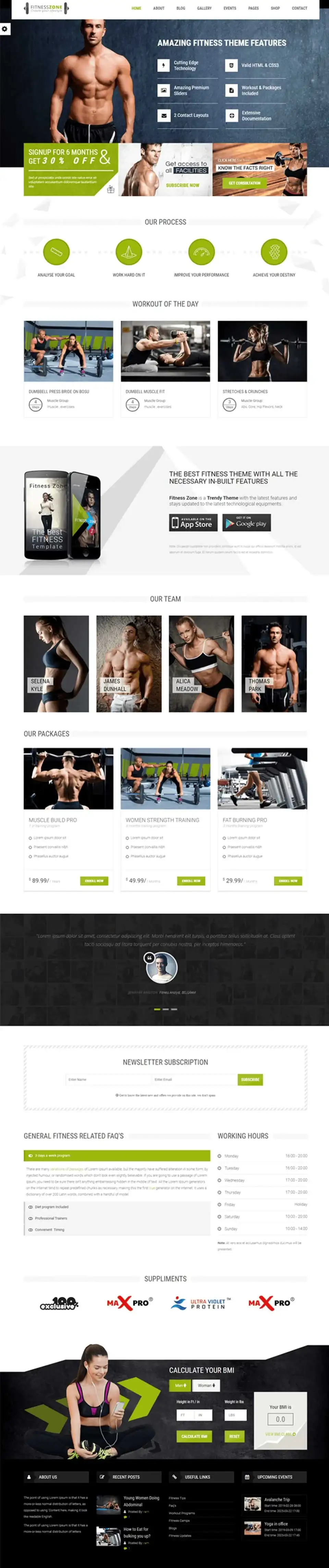
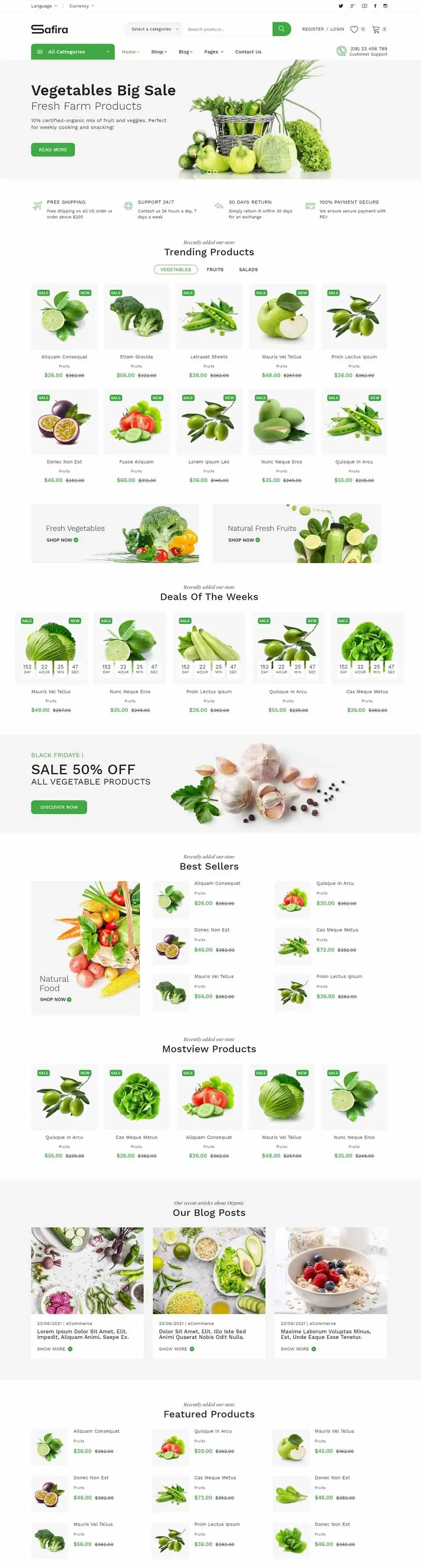
- E-commerce
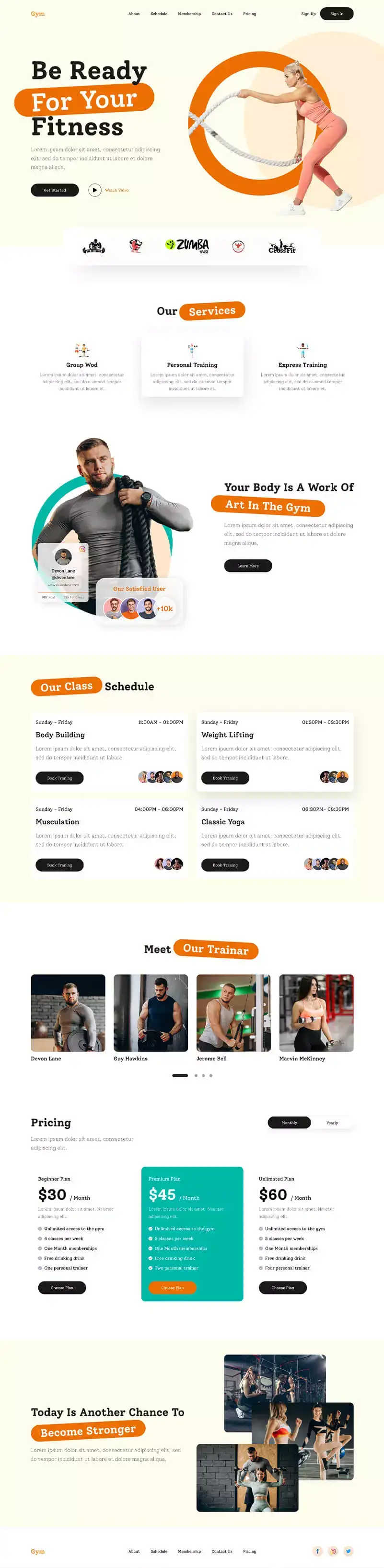
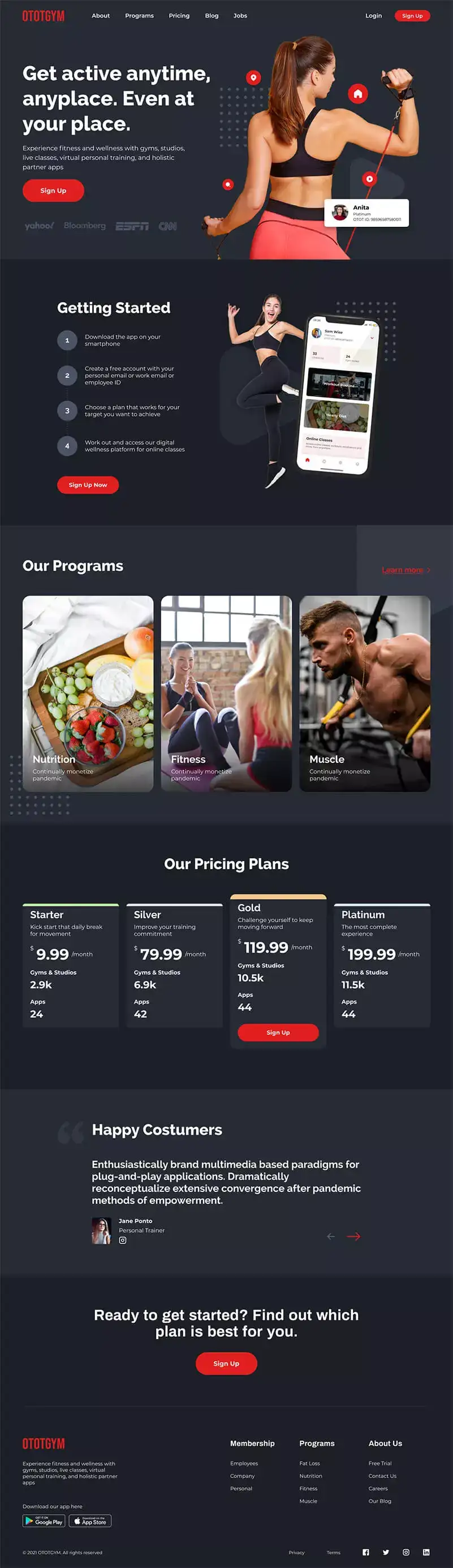
- Fitness
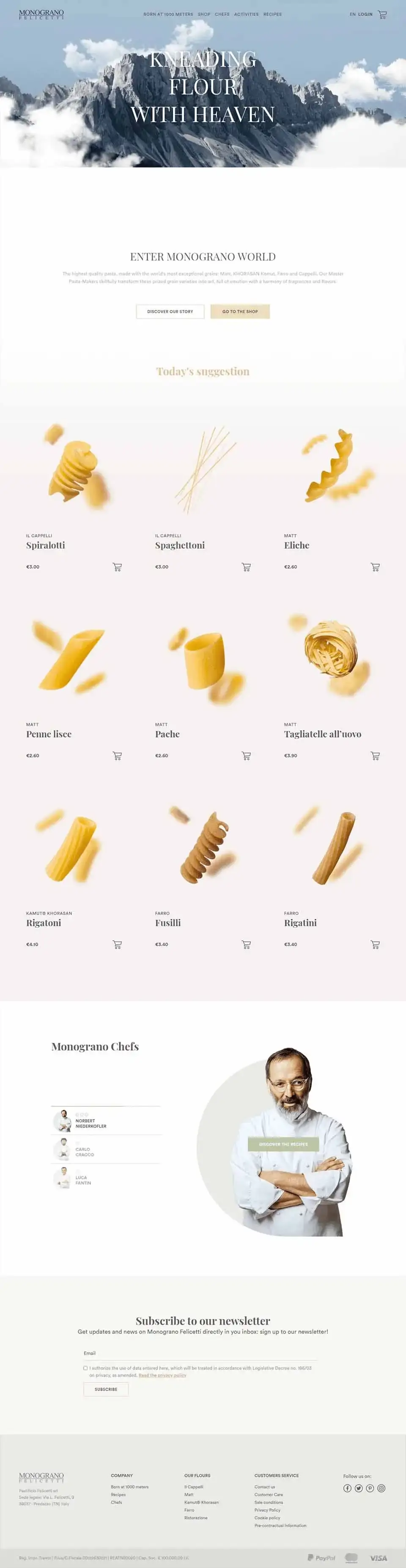
- Food
- Technology
- Real Estate
- Fintech
- Construction
- Fashion
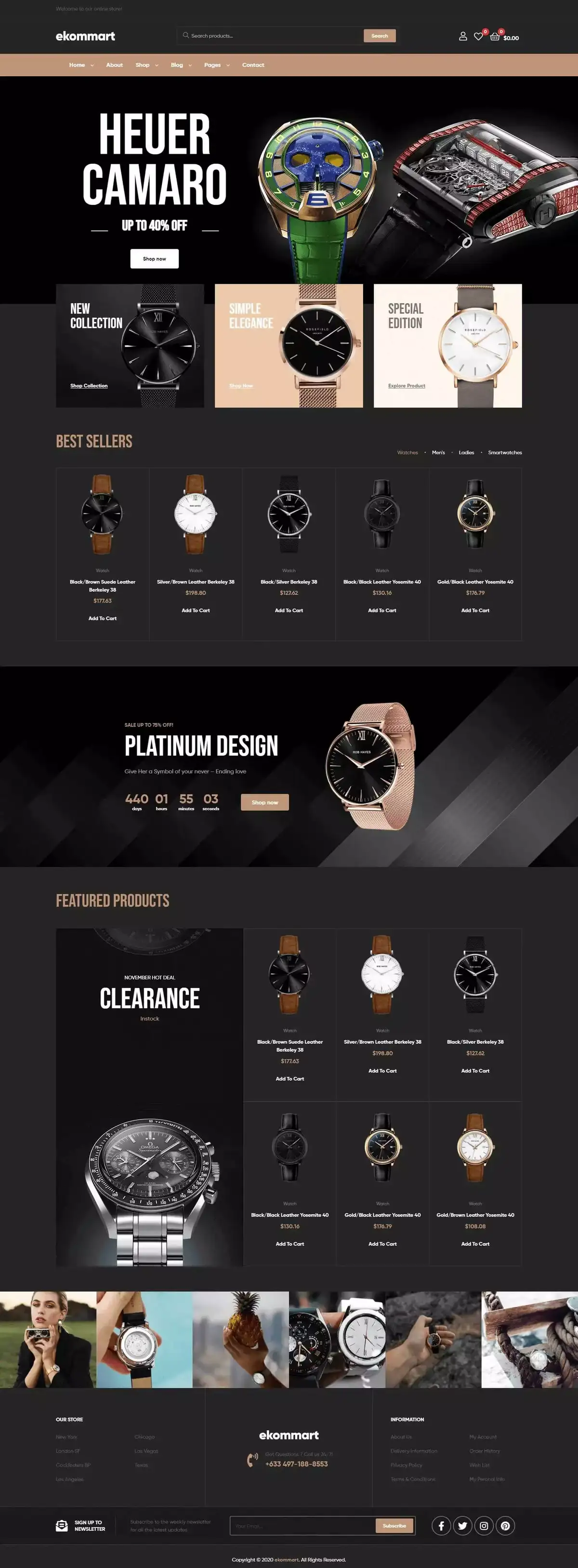
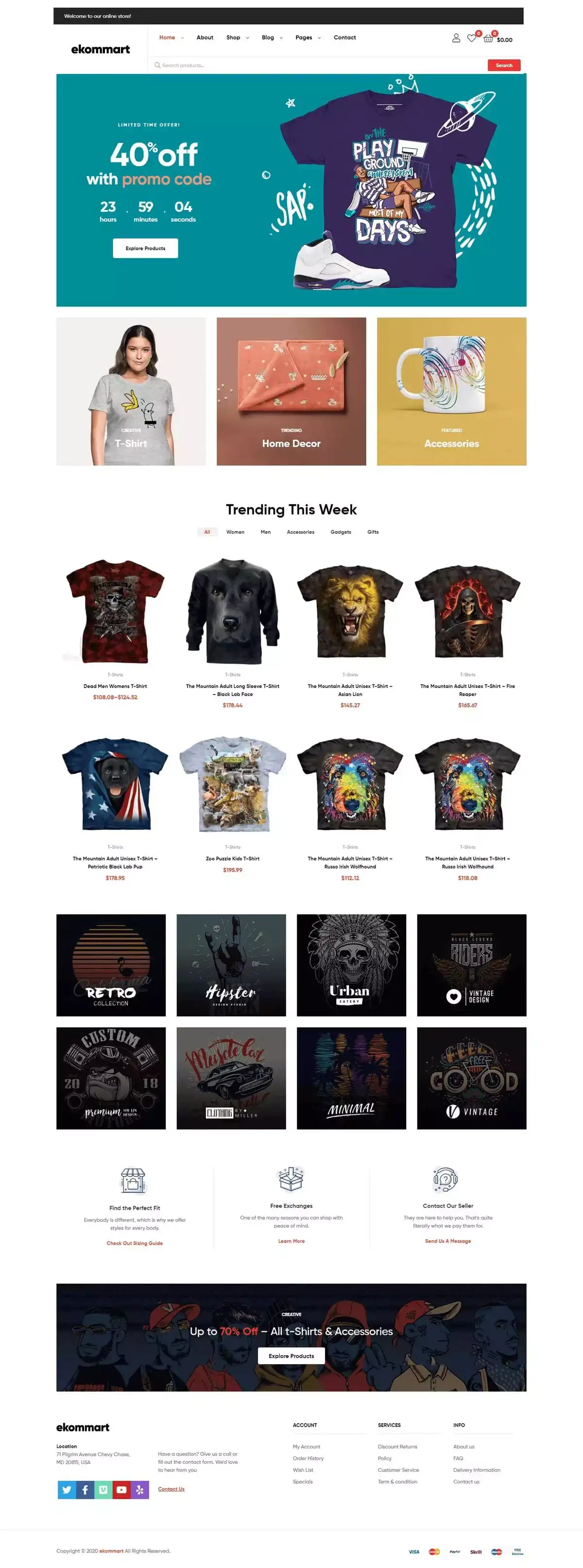
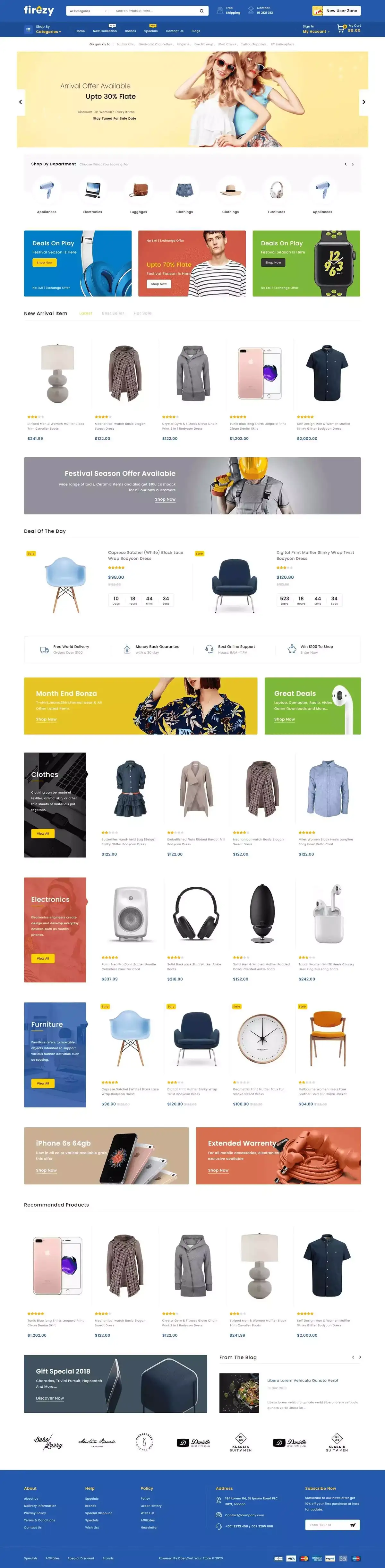
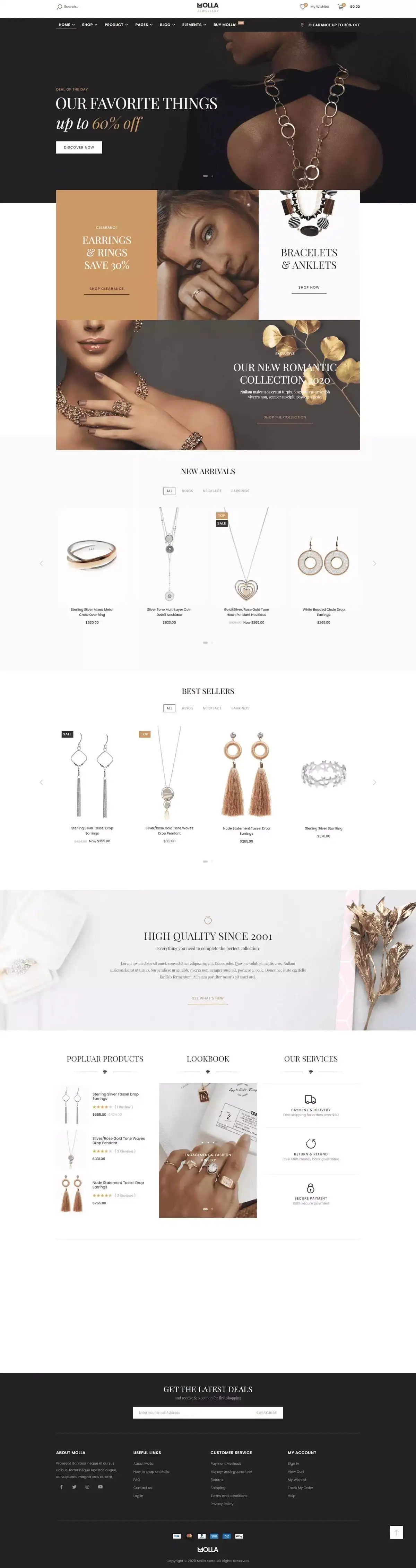





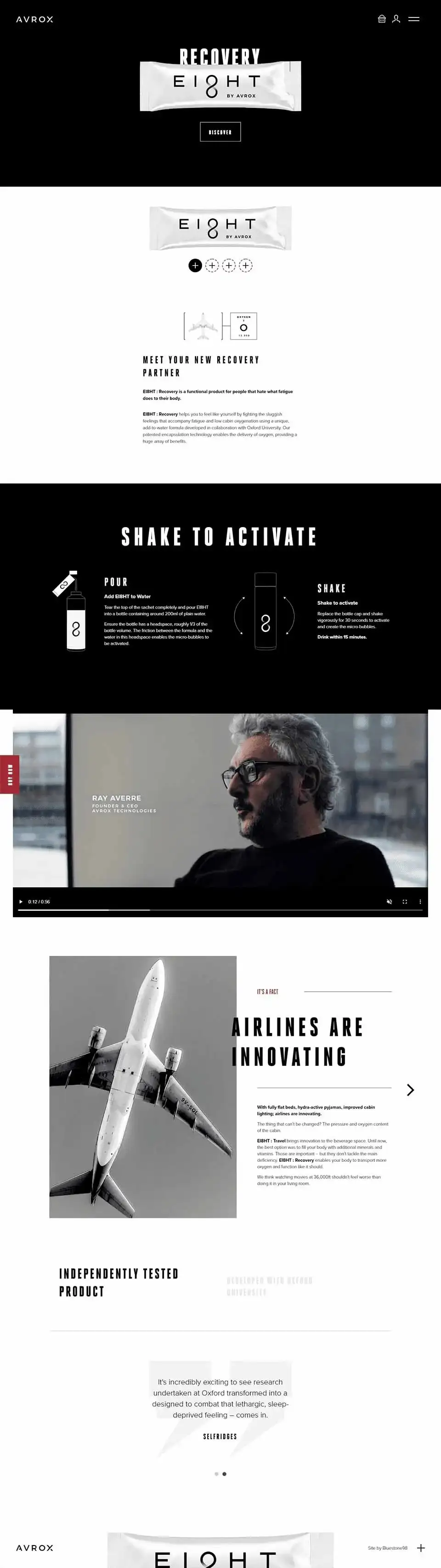
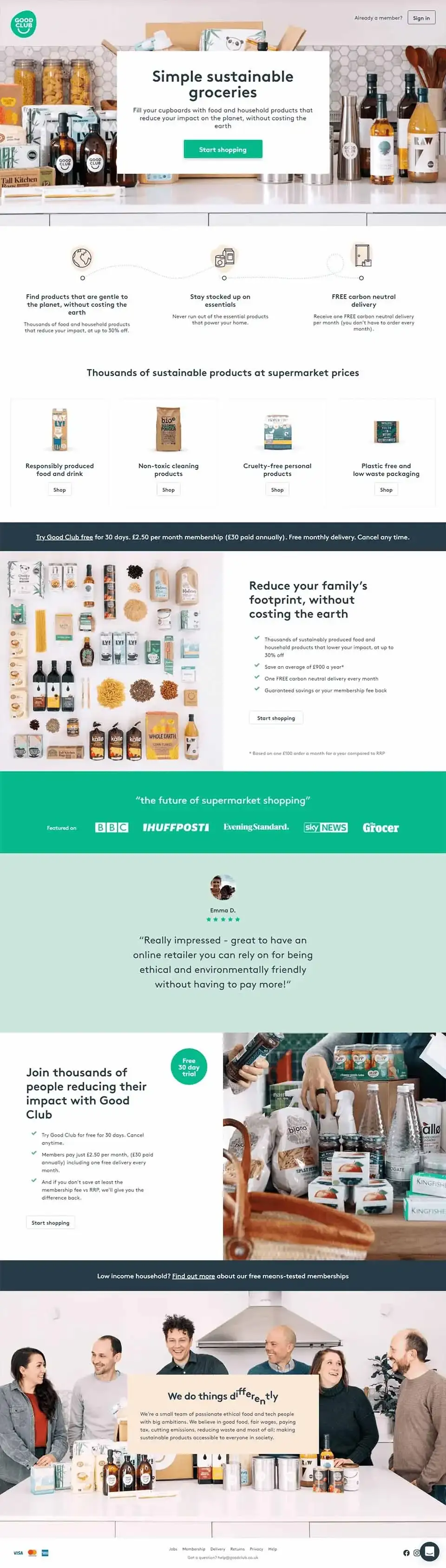
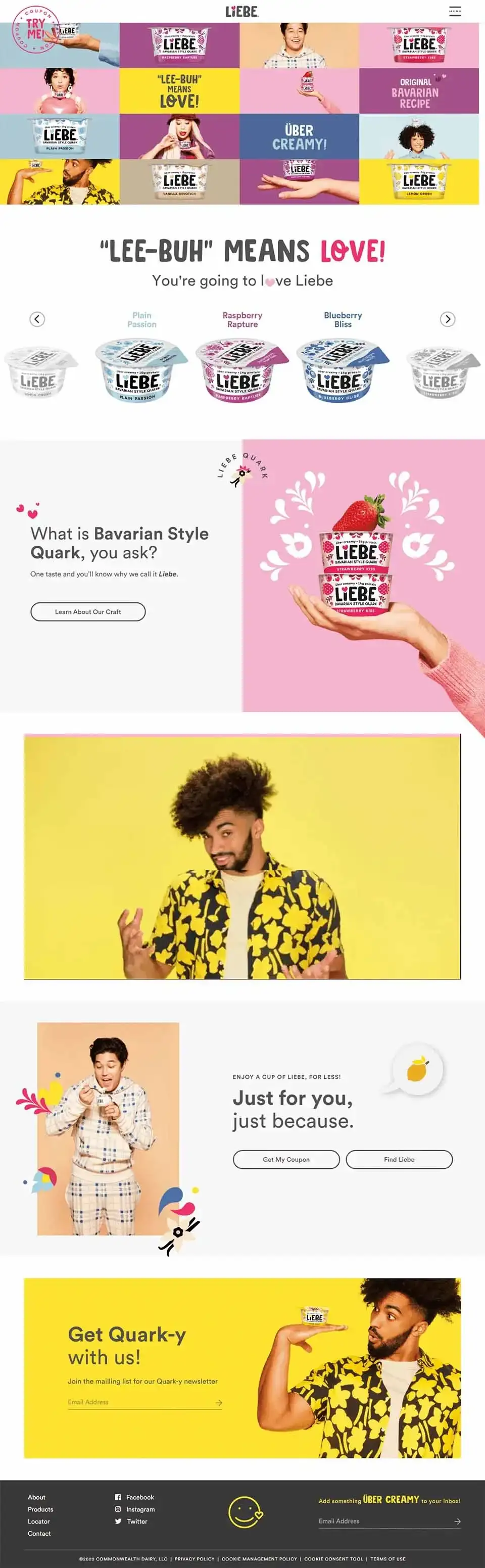
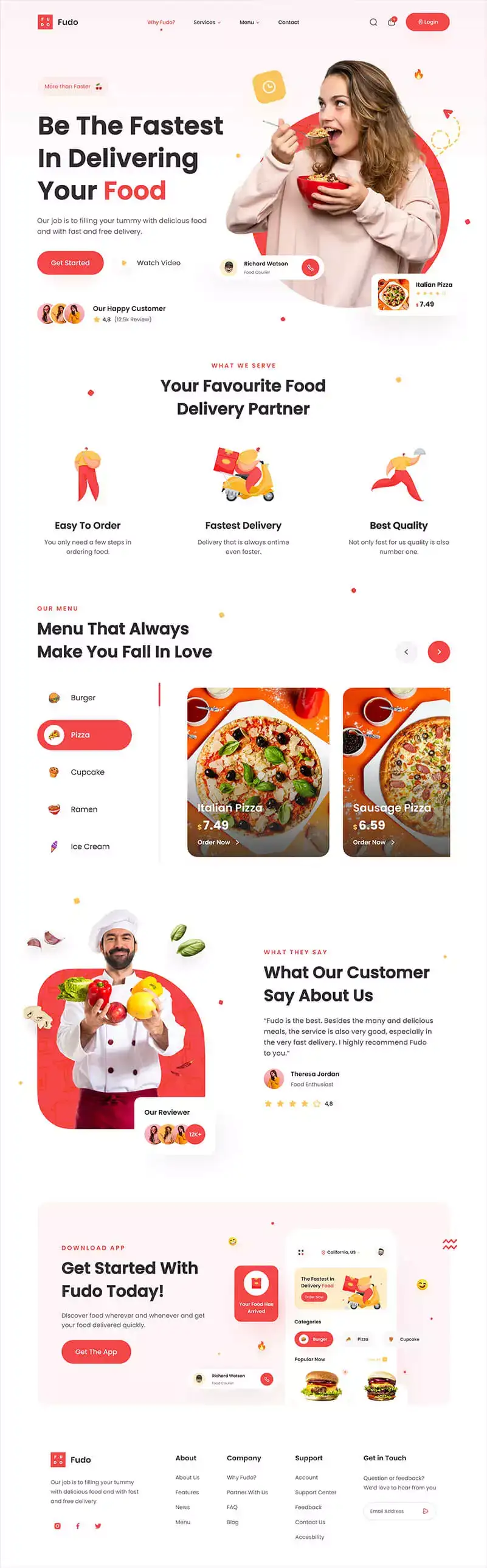
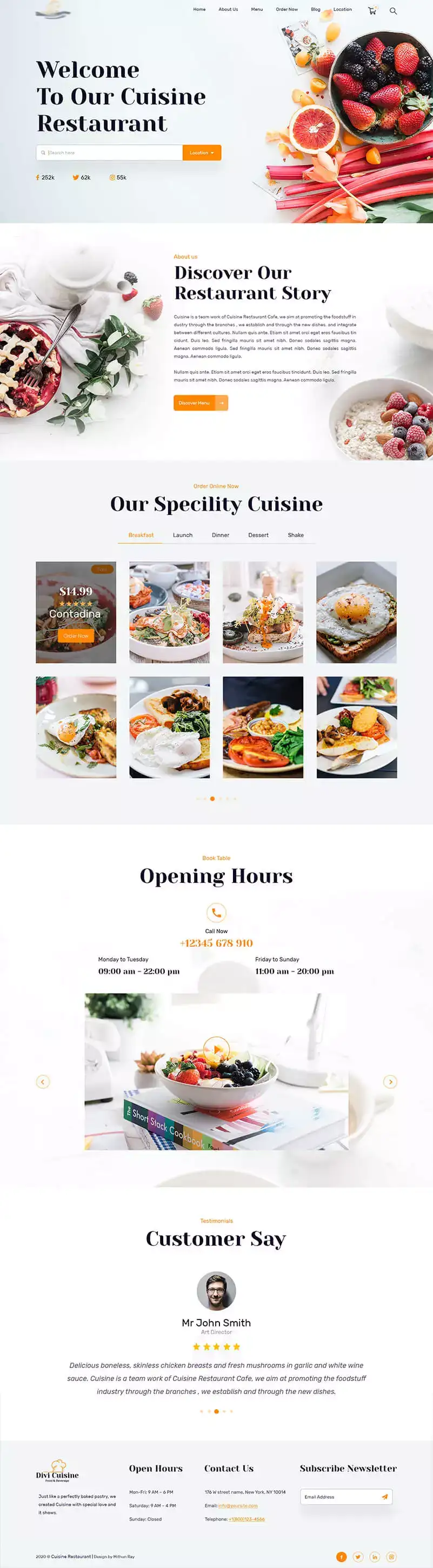
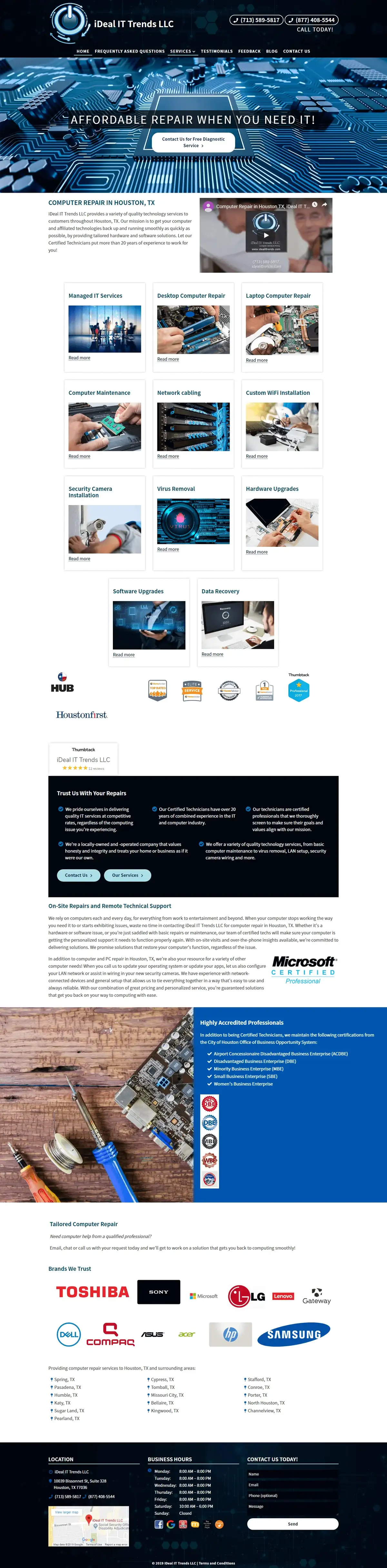
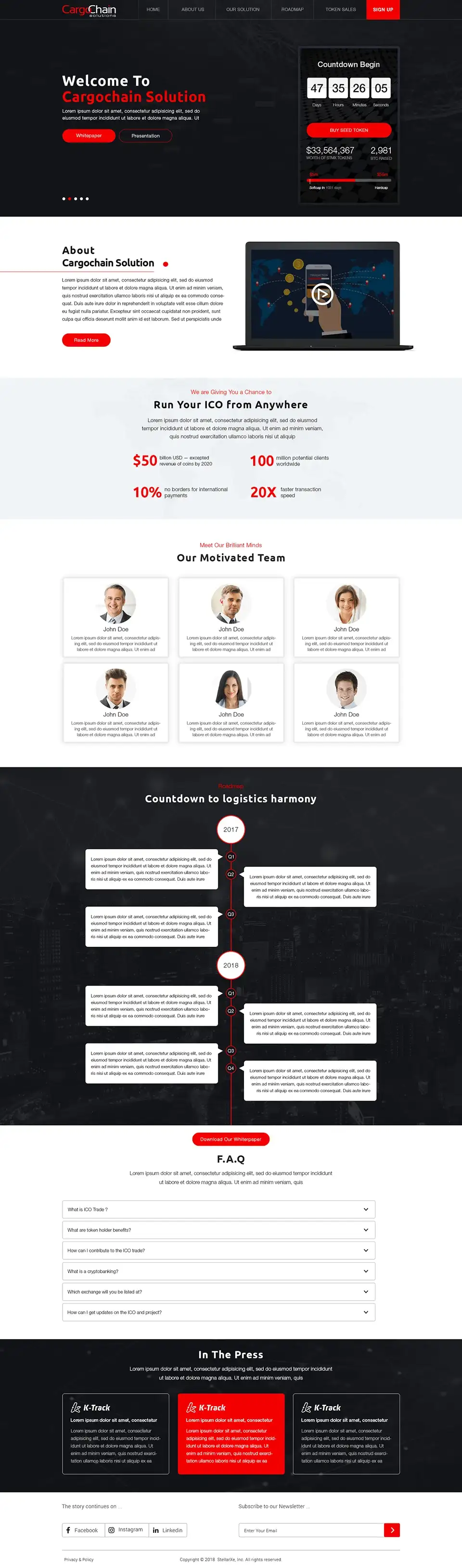
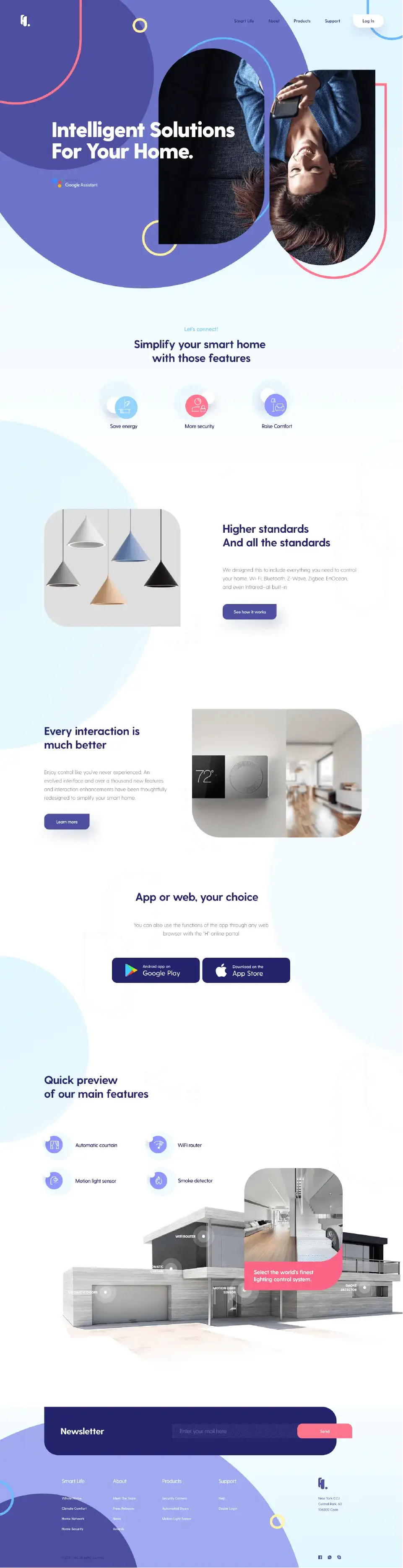

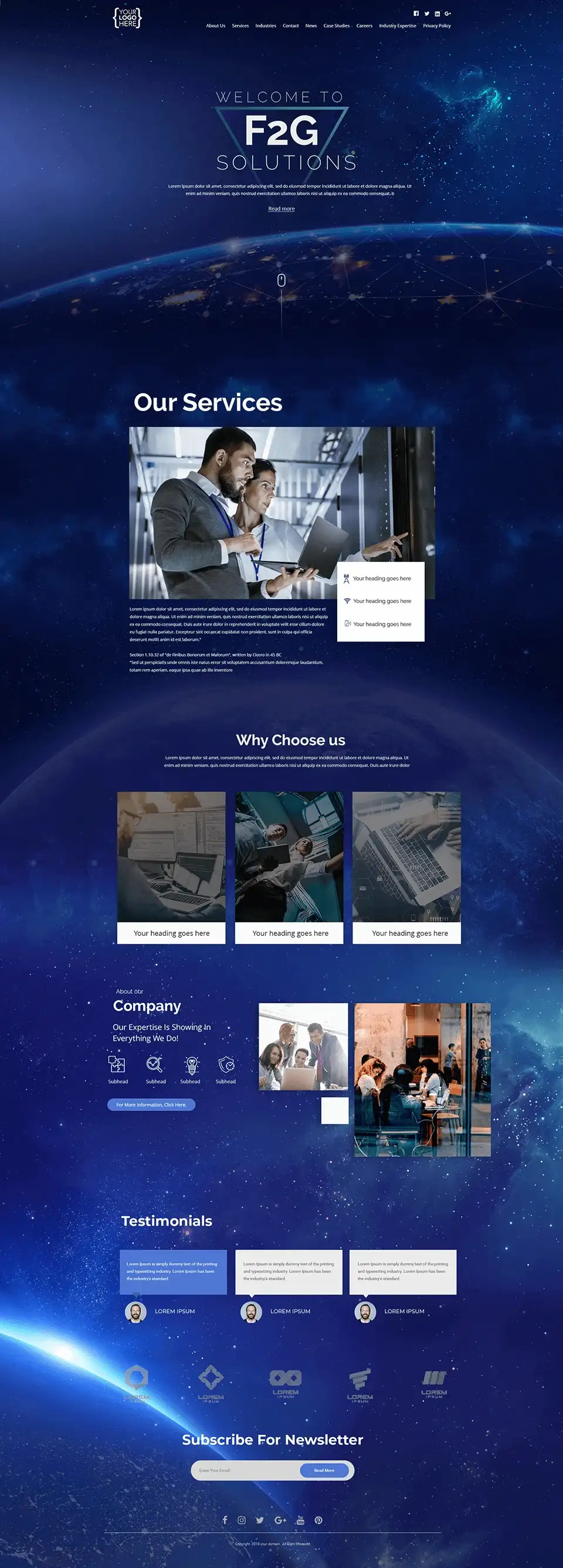
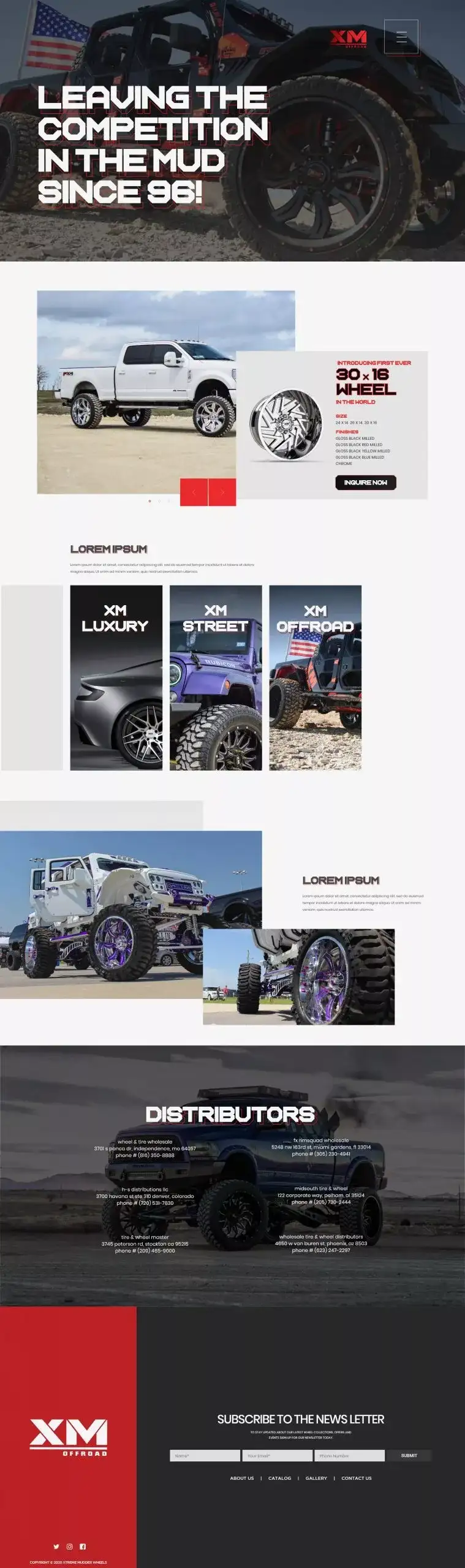

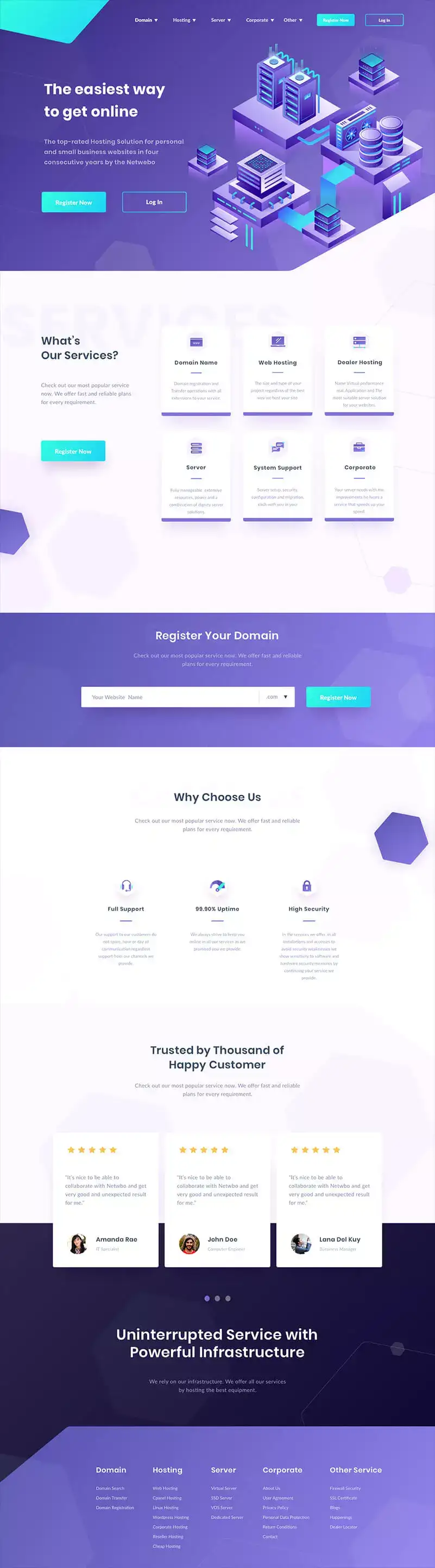
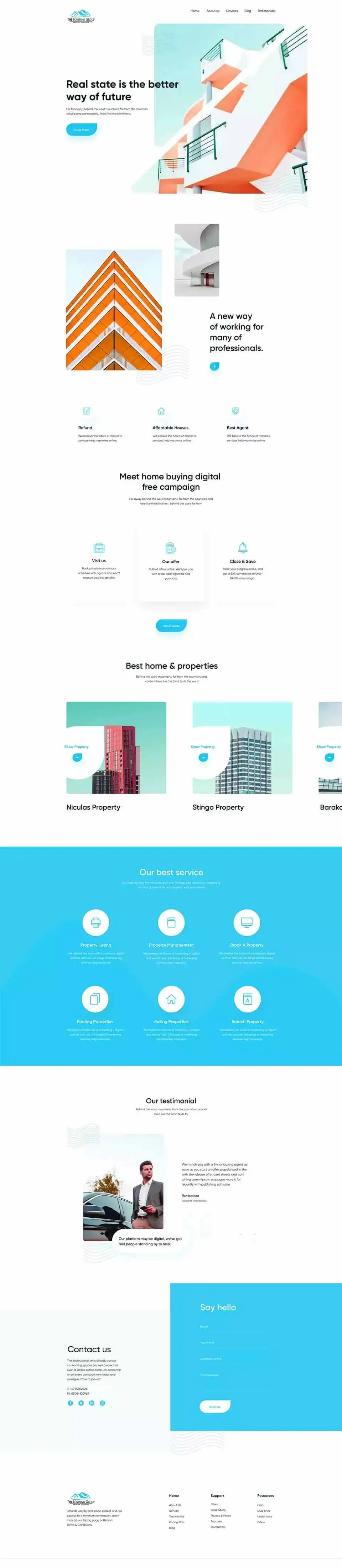
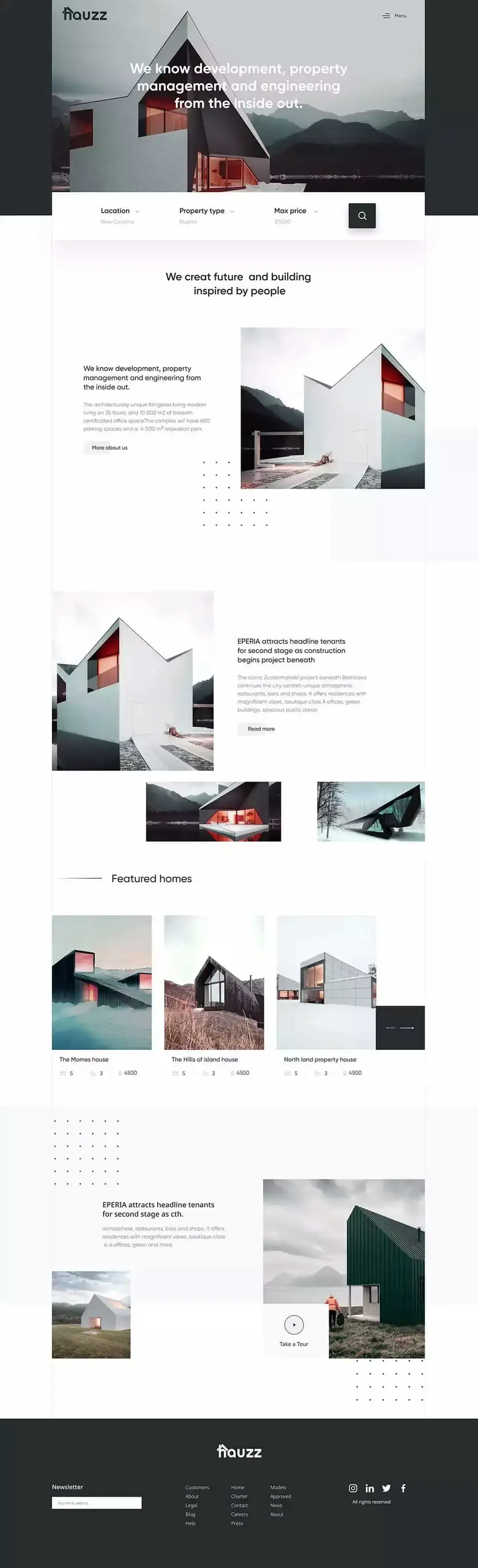
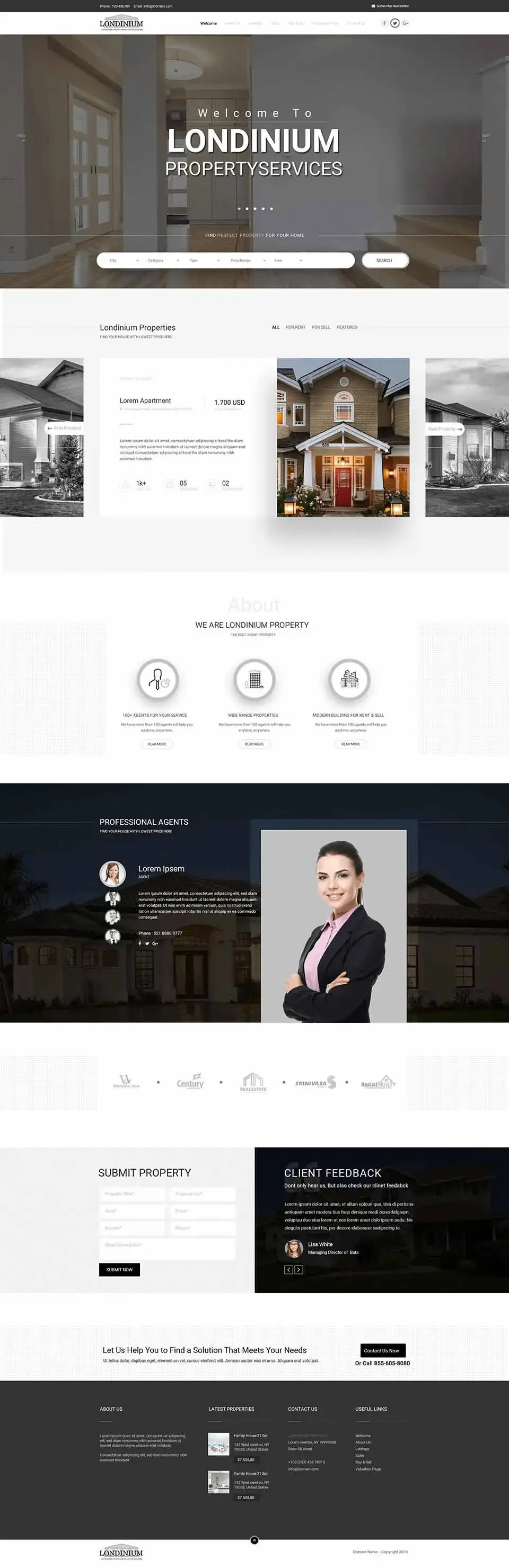
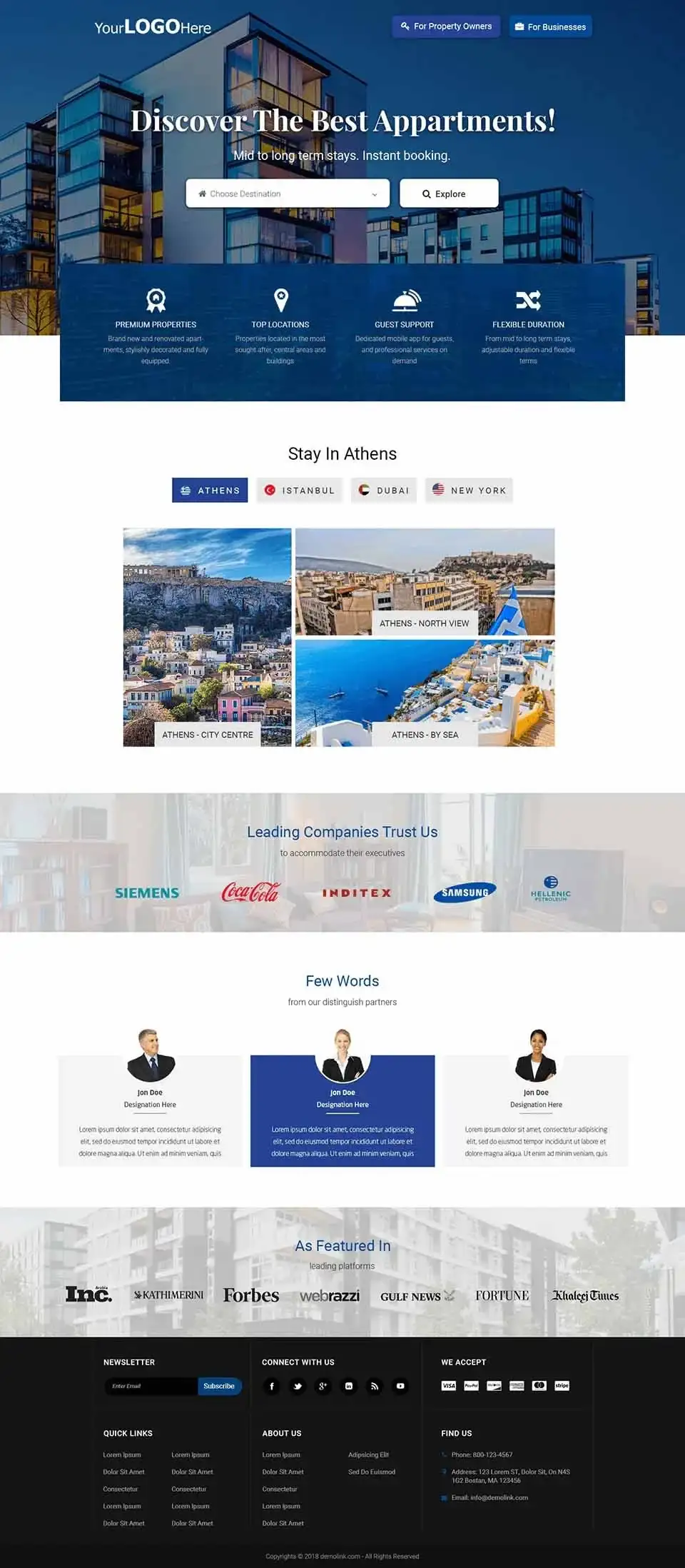
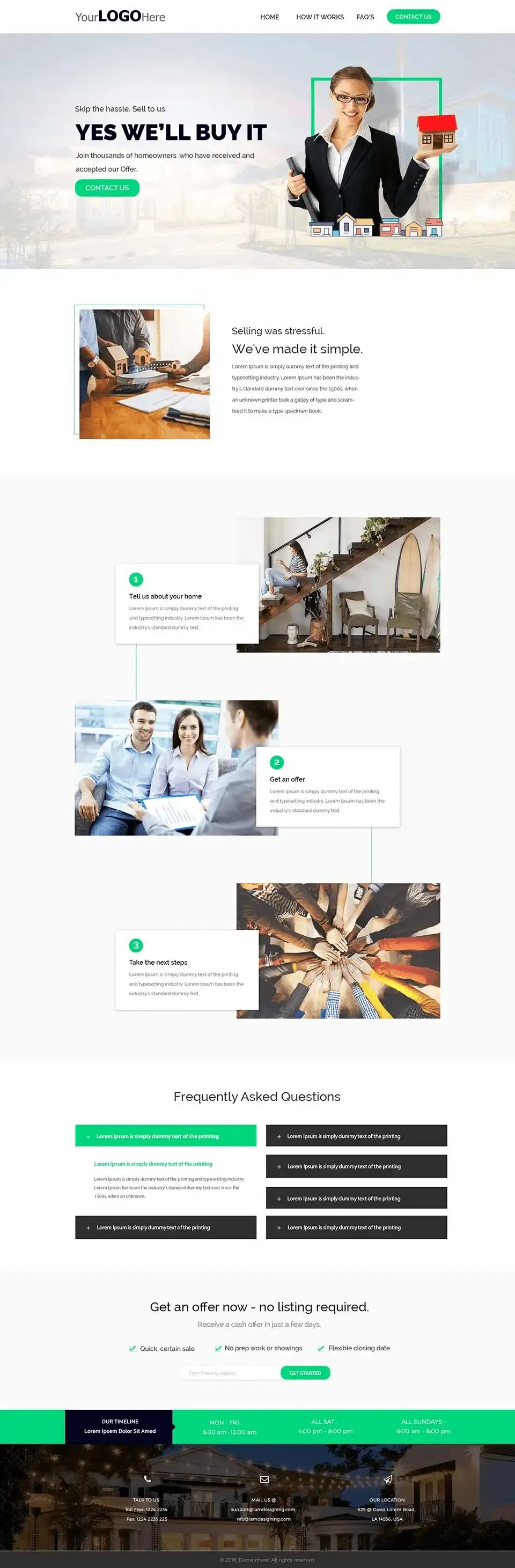
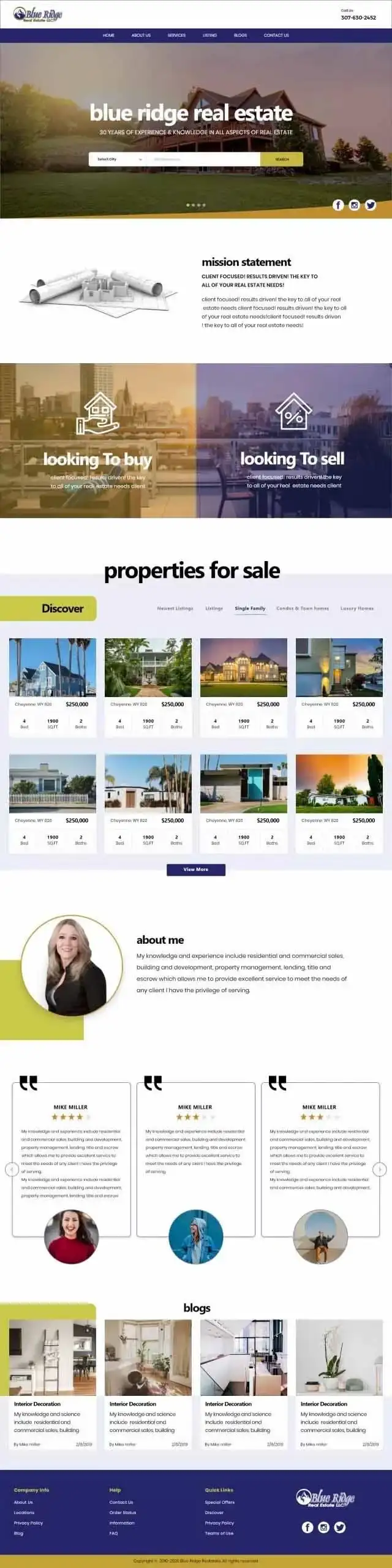

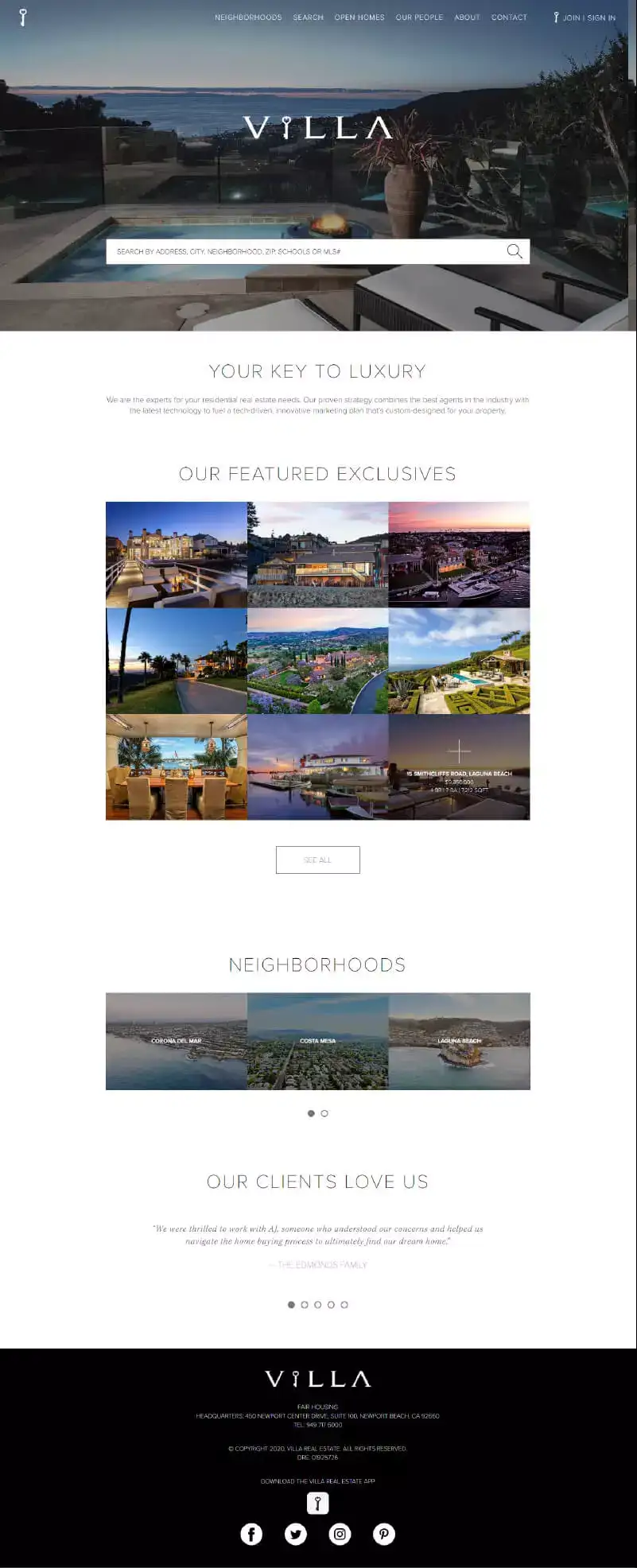
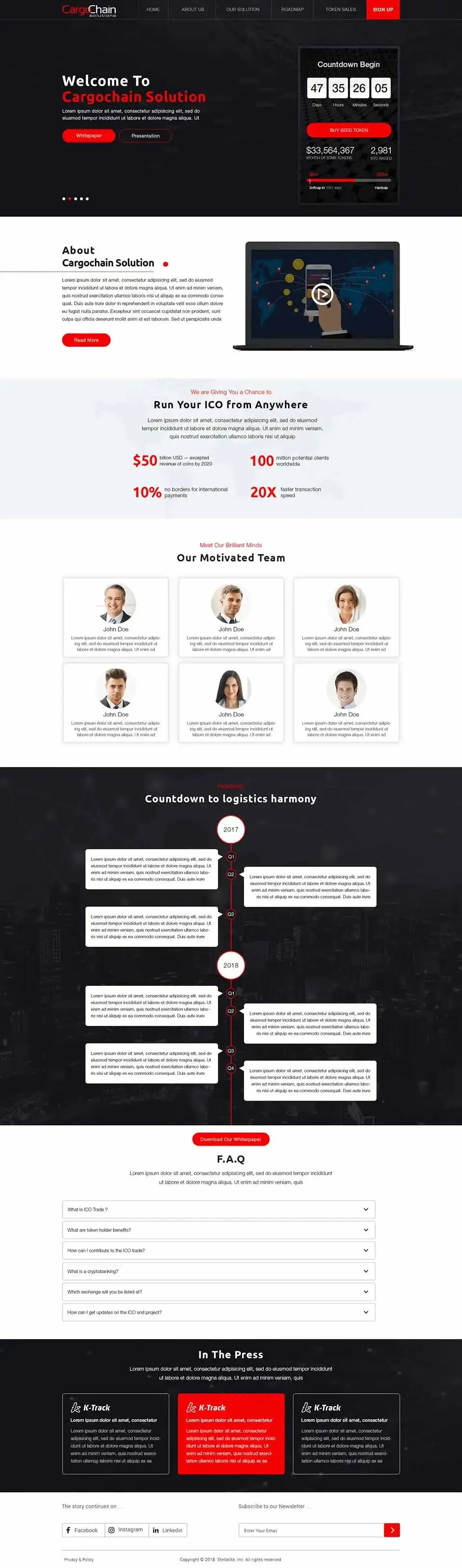

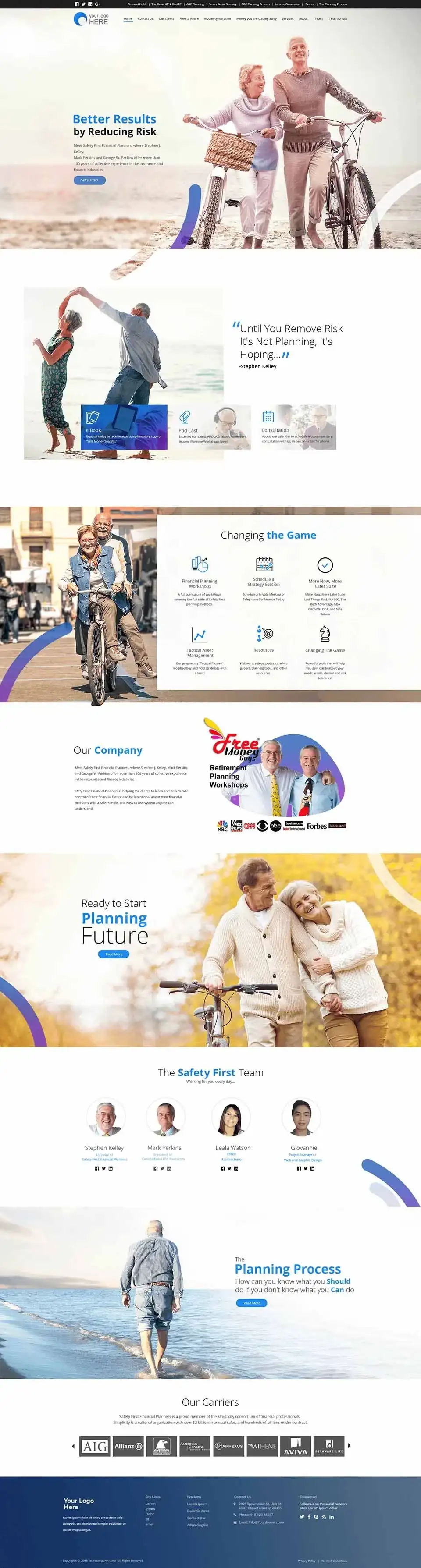
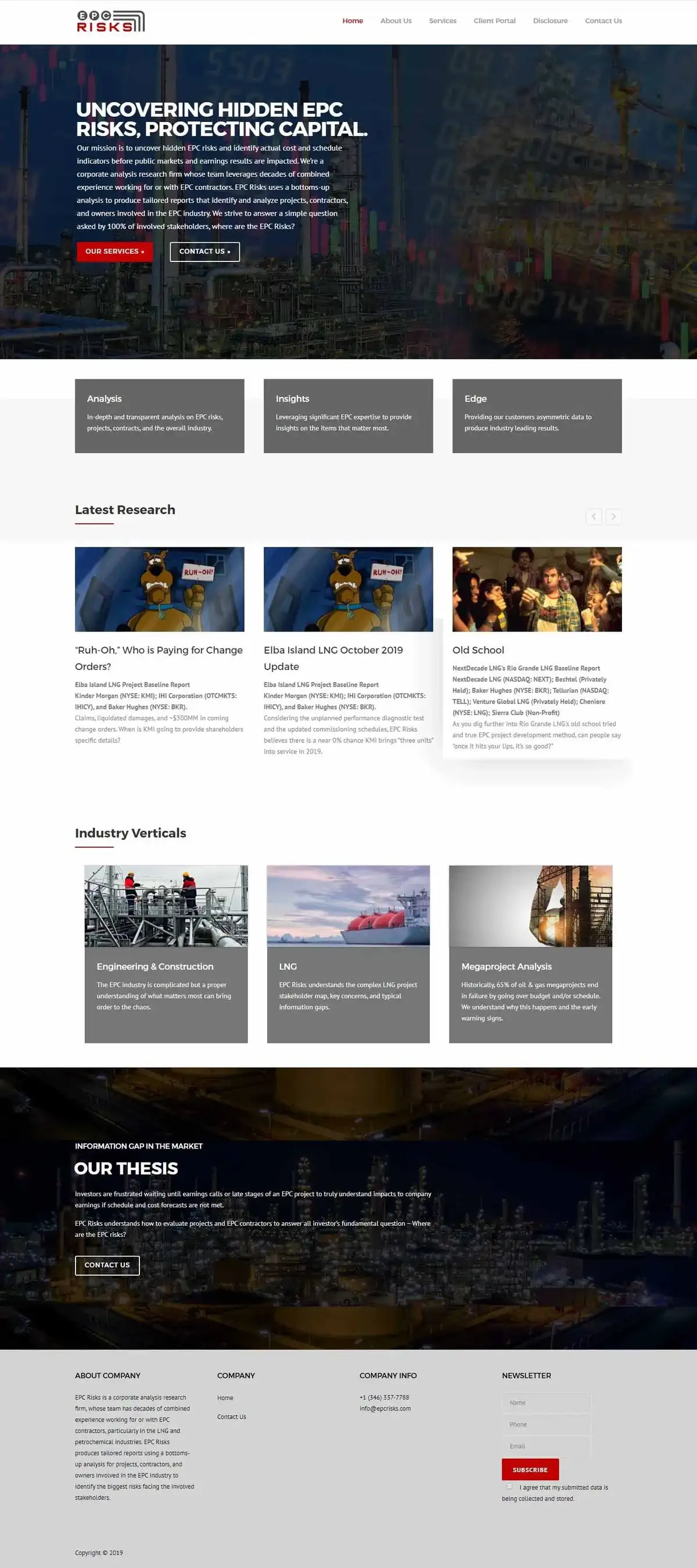
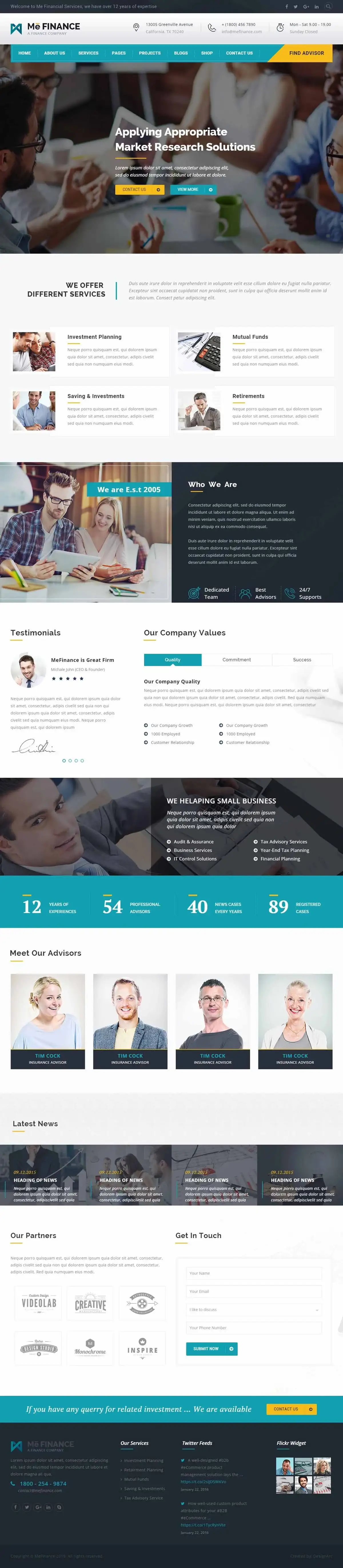

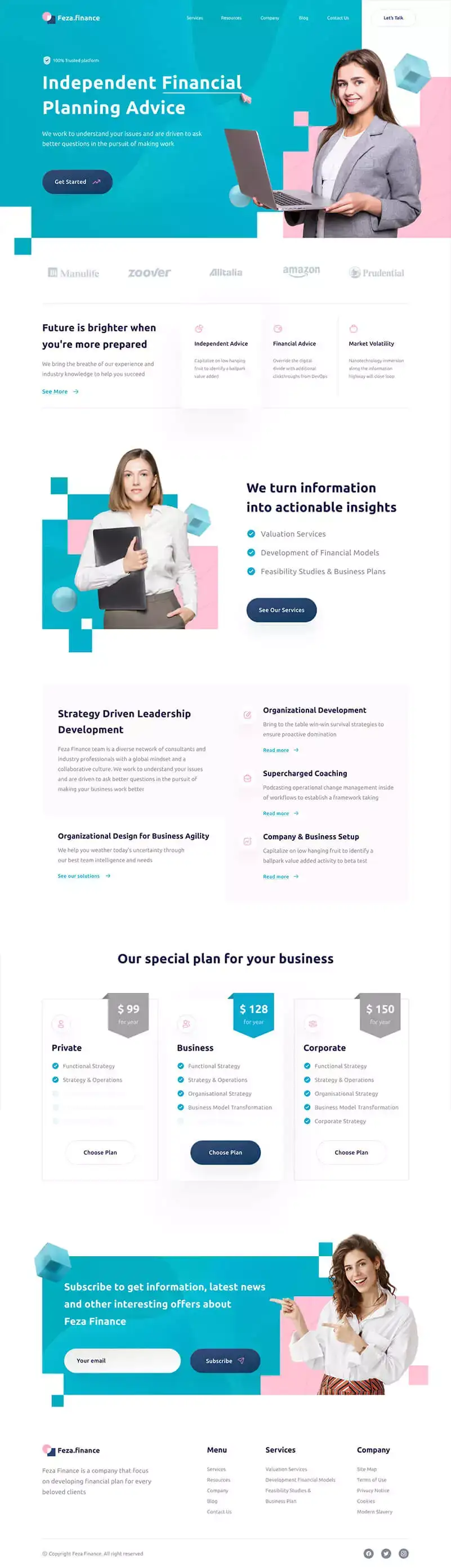
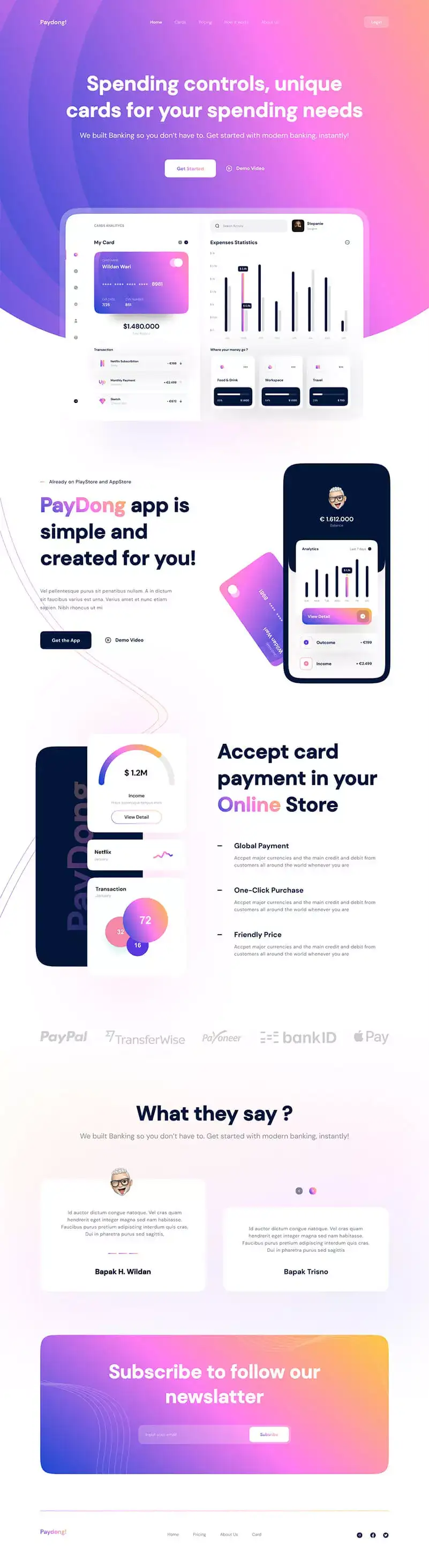





Our UI UX Design Services
Website UI UX Design
We design website experiences focused on clear navigation, useful content hierarchy, responsive layouts, and conversion-friendly customer journeys.
Mobile App UI UX Design
Create mobile interfaces designed around touch interactions, screen size, onboarding, navigation, and simple user flows.
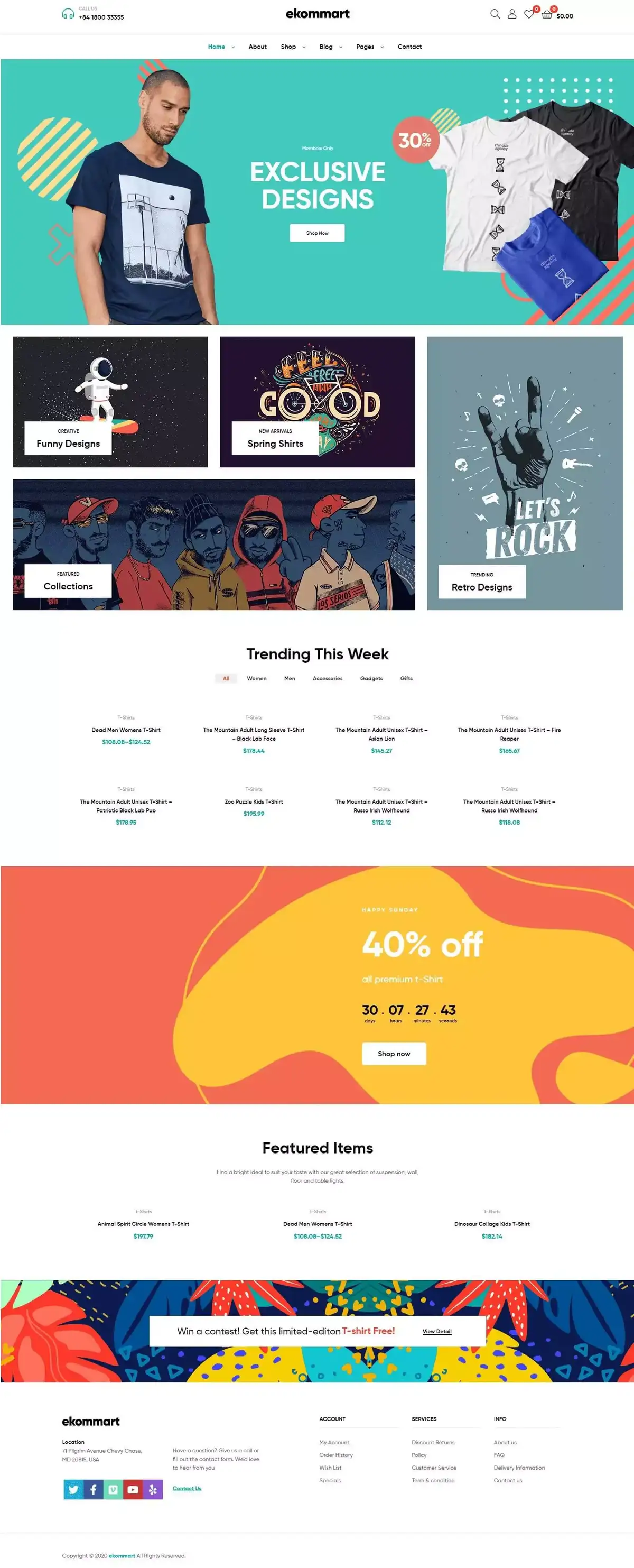
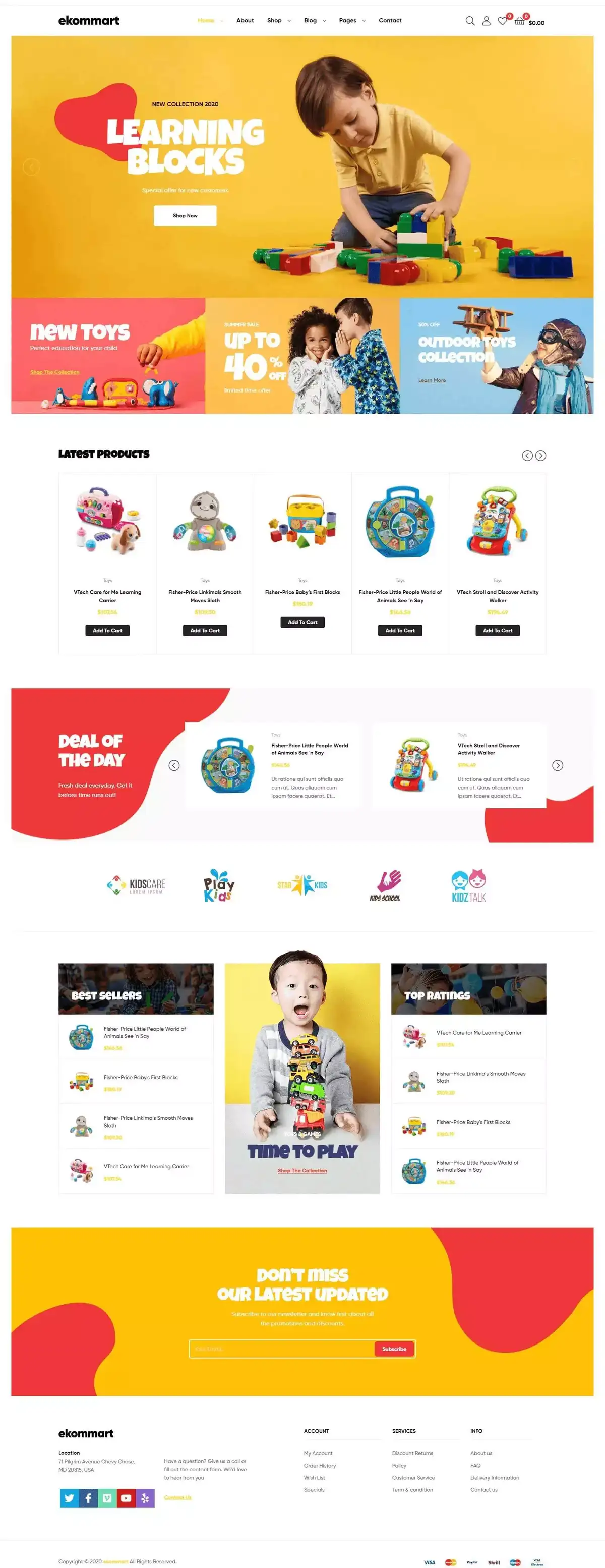
Ecommerce UX Design
Improve how shoppers browse categories, find products, review information, use the cart, and complete checkout.
Web Application UX Design
We design dashboards, portals, booking systems, and custom applications around real workflows and user needs.
Landing Page UX Design
Create focused landing-page experiences for lead generation, advertising campaigns, product launches, and service promotions.
UI Design
We create visually consistent interfaces using typography, spacing, buttons, icons, forms, imagery, and brand elements.
UX Research & Planning
Where appropriate, we review user needs, competitor experiences, page structure, and customer journeys before designing.
Wireframing
Wireframes help define page layouts, information hierarchy, user flow, and functionality before detailed visual design begins.
Prototyping
Interactive prototypes can demonstrate how users will navigate and interact with a website or application before development.
UX Redesign
We improve existing digital experiences that are confusing, outdated, difficult to use, or not converting effectively.
UI Design vs UX Design
UI and UX are connected, but they focus on different aspects of a digital product.
| Area | UI Design | UX Design |
|---|---|---|
| Focus | Visual interface | Overall user journey |
| Includes | Colors, typography, buttons, layouts | Navigation, flow, usability, interaction |
| Main Goal | Make the interface clear and attractive | Make the experience easy and useful |
| Common Question | How should it look? | How should it work? |
Strong digital experiences require both.
A beautiful interface cannot compensate for confusing navigation, while a functional product still needs a professional visual presentation.
UX Design Based on Search Intent
For websites receiving organic traffic, UX should align with why the visitor searched in the first place.
For example, someone searching for:
“custom website design services”
may want to quickly see:
- Services
- Portfolio
- Process
- Pricing guidance
- Reviews
- Contact options
The page should prioritize that information rather than making users search through unrelated content.
This is where SEO and user experience design begin to work together.
UI UX Design and SEO
UI UX does not replace SEO, but strong website experience can support an effective search strategy.
Our UI UX design services consider areas such as:
- Clear site architecture
- Logical navigation
- Content hierarchy
- Mobile usability
- Internal linking opportunities
- Readability
- Page experience
- Conversion paths
SEO helps users discover the website.
UX helps them use it effectively after they arrive.
Website UX Design and SXO
Search Experience Optimization, or SXO, connects search visibility with what happens after a user clicks.
A page may rank well but still perform poorly if:
- Navigation is confusing
- Content is difficult to read
- Forms are too long
- CTAs are unclear
- Mobile design is poor
- The page feels untrustworthy
Strong website UX design helps improve the complete search-to-conversion journey.
UI UX Design for AI Search Traffic
Users may now discover websites through ChatGPT Search, Google AI-powered search experiences, Bing/Copilot, and other AI systems.
These users may arrive with highly specific questions.
Your website should provide:
- Clear answers
- Logical content structure
- Additional depth
- Easy navigation
- Strong trust signals
- Relevant next steps
AI visibility may generate the visit, but UX determines what happens after that visit.
Information Architecture
Information architecture determines how website content is organized.
A good structure helps users understand:
- Where they are
- What information is available
- Where they should go next
For example:
Home → Services → UI UX Design → Website UX Design
A logical hierarchy improves navigation and makes larger websites easier to use.
User Journey Mapping
A user journey represents the steps someone takes while interacting with your digital product.
For example:
Google Search → Service Page → Portfolio → Testimonial → Contact Form
Understanding these journeys helps identify:
- Friction points
- Missing information
- Unnecessary steps
- Conversion opportunities
We use user journeys to make design decisions more intentional.
Wireframes Before Visual Design
Wireframes allow teams to focus on structure before visual details.
They can help determine:
- Page hierarchy
- Content placement
- CTA locations
- Forms
- Navigation
- Functional elements
This reduces the risk of creating attractive pages that do not support the intended customer journey.
Interactive Prototypes
Prototypes provide a more realistic representation of how a product will work.
They can demonstrate:
- Navigation
- Page transitions
- Button behavior
- Form flows
- User interactions
Testing a prototype before development can identify usability problems earlier in the project.
Ecommerce User Experience Design
Ecommerce UX requires careful attention to the shopping journey.
We consider:
- Category navigation
- Search and filtering
- Product cards
- Product pages
- Add to Cart
- Shopping cart
- Checkout
- Mobile shopping
Customers should be able to find, evaluate, and purchase products without unnecessary friction.
Product Page UX
Strong product pages should make buying decisions easier.
Important elements may include:
- Clear product title
- Product imagery
- Price
- Benefits
- Specifications
- Availability
- Reviews
- Shipping information
- CTA
The goal is to give customers the information needed to make a confident decision.
Form UX Design
Forms are often one of the most important conversion points on a website.
Poorly designed forms can reduce leads.
We focus on:
- Fewer unnecessary fields
- Clear labels
- Logical field order
- Mobile-friendly inputs
- Helpful error messages
- Obvious submission buttons
The easier the form feels, the more likely users are to complete it.
Navigation UX Design
Navigation should help users find information quickly.
Depending on the website, navigation may include:
- Main menu
- Dropdowns
- Search
- Breadcrumbs
- Footer links
- Mobile navigation
Avoid overwhelming users with too many competing options.
The most important pages should be easy to reach.
Conversion-Focused UI UX Design
UX should ultimately support the goals of both the user and the business.
Conversion-focused UX may include:
- Strong CTA placement
- Clear value propositions
- Trust signals
- Testimonials
- Social proof
- Simple forms
- Relevant service information
- Easy contact options
The goal is not to manipulate visitors.
It is to remove unnecessary friction between interest and action.
Accessibility and UX
A strong user experience should work for a wide range of users.
Important accessibility considerations include:
- Readable typography
- Clear labels
- Logical heading structure
- Meaningful alt text
- Keyboard accessibility
- Sufficient visual distinction
- Accessible forms
Accessibility should be part of good digital design rather than an afterthought.
UI UX Design for Different Industries
Our UI UX design services can support businesses across industries such as:
- Ecommerce
- SaaS
- Healthcare
- Real estate
- Professional services
- Law firms
- Technology
- Retail
- Restaurants
- Home services
- Startups
- Enterprise businesses
Different audiences have different expectations, so UX should be adapted to the business and its customers.
Our UI UX Design Process
1. Discovery
We learn about your business, users, goals, existing challenges, and project requirements.
2. Research & Planning
We review customer needs, competitors, content requirements, and important user journeys.
3. Information Architecture
We organize pages, screens, navigation, and content hierarchy.
4. Wireframing
We create structural layouts showing how information and functionality will be arranged.
5. UI Design
Visual elements such as typography, spacing, buttons, colors, and imagery are developed around your brand.
6. Prototyping
Where appropriate, interactive prototypes demonstrate important user flows before development.
7. Review & Refinement
Designs are evaluated and refined based on project requirements and usability considerations.
8. Development Handoff
Approved designs are prepared for implementation by the development team.
Why Choose Web Design Marvel for UI UX Design?
User-Focused Approach
Design decisions are made around how people actually interact with the product.
Business-Focused Strategy
UX is connected to goals such as lead generation, sales, bookings, and engagement.
Responsive Design
Interfaces are planned for desktop and mobile experiences.
Conversion Thinking
Important actions and conversion paths are considered throughout the design.
SEO & SXO Awareness
Website architecture, content hierarchy, and search intent are considered alongside usability.
Design & Development Under One Roof
Our design and development capabilities make it easier to move from concept to implementation.
When Should You Improve Your Website UX?
You may need better website UX design if:
- Visitors struggle to find information
- Your website has traffic but few leads
- Mobile usability is poor
- Forms have low completion rates
- Navigation is confusing
- Your bounce or exit patterns indicate friction
- Customers regularly ask questions already answered on the site
- Your design looks outdated
- Your ecommerce checkout loses customers
- Important CTAs are difficult to find
UX problems are often business problems because they affect how easily customers interact with your company.
Frequently Asked Questions
What are UI UX design services?
UI UX design services focus on creating digital products that are visually clear, easy to navigate, useful, and aligned with user and business goals. Services can include research, information architecture, wireframing, interface design, prototyping, and UX improvement.
What is user experience design?
User experience design focuses on how a person interacts with a website, application, or digital product, including navigation, content structure, usability, interactions, and the overall journey.
What is website UX design?
Website UX design focuses specifically on making websites easier to understand, navigate, and use while helping visitors’ complete actions such as contacting a business, booking a service, or making a purchase.
What is the difference between UI and UX?
UI focuses primarily on the visual interface, while UX focuses on the complete experience of using the product. Effective digital products usually require both.
Can better UX improve website conversions?
Better UX can reduce friction and make important actions easier to complete, which can support stronger conversion performance. Results also depend on traffic quality, offers, pricing, trust, and other business factors.
Do you provide ecommerce UX design?
Yes. We can improve category navigation, product pages, shopping carts, checkout journeys, and other ecommerce experiences.
Can you redesign an existing website's UX?
Yes. Existing websites can be reviewed and redesigned to improve navigation, content hierarchy, usability, responsive behavior, and conversion paths.
Do you create wireframes and prototypes?
Yes. Depending on project requirements, our design process can include wireframes and interactive prototypes before development.
Is UX important for SEO?
UX and SEO are different disciplines, but they overlap in areas such as mobile usability, navigation, information architecture, readability, and overall search experience.
Our customers testimonials
Leave a reviewLarry Buckalew
2 years ago
I recently had the pleasure of working with Web Design Marvel Agency to create a website for my business, and they also provided SEO services. I am incredibly pleased with the outcome and wanted to share my experience.From the very ...
I recently had the pleasure of working with Web Design Marvel Agency to create a website for my business, and they also provided SEO services. I am incredibly pleased with the outcome and wanted to share my experience. From the very first consultation, the team understood exactly what I needed and delivered beyond my expectations.
Buckalew Financial Services
2 years ago
I recently partnered with Web Design Marvel Agency for a complete website overhaul and SEO optimization, and I couldn't be happier with the results.From our initial consultation, it was clear that Web Design Marvel Agency was dedicated to ...
I recently partnered with Web Design Marvel Agency for a complete website overhaul and SEO optimization, and I couldn't be happier with the results. From our initial consultation, it was clear that Web Design Marvel Agency was dedicated to understanding our business and delivering a solution tailored to our needs.
Ransom Fils-Aime
2 years ago
I am Highly satisfied with the support and professionalism of Adam and his crew. They have guided my hands and are still guiding me through the tedious navigation processes. ...
I am Highly satisfied with the support and professionalism of Adam and his crew. They have guided my hands and are still guiding me through the tedious navigation processes. Their patience and expertise made the whole experience much easier than I expected.
Dana Seidel
2 years ago
Unfortunately, I don't speak "tech" language, so the initial design of my website, though it was good, didn't get me anywhere. My website wasn't able to be found by a Google Search. But, that was a single page design and me not really ...
Unfortunately, I don't speak "tech" language, so the initial design of my website, though it was good, didn't get me anywhere. My website wasn't able to be found by a Google Search. But, that was a single page design and me not really pushing for SEO at the time. Once we addressed that, things improved a lot.
Amy Sedgwick
8 months ago
Andre has made my Web Marvel experience top notch! He has excellent attention to detail, is efficient and is truly a pleasure to work with.
Andre has made my Web Marvel experience top notch! He has excellent attention to detail, is efficient and is truly a pleasure to work with.
Chris Anderson
3 years ago
Our company began as a textile business. We went with Web Design Marvel for our web design. We wanted a website that fit our brand persona, and with this team, we boosted our e-commerce website's functionality while cutting costs. Our ...
Our company began as a textile business. We went with Web Design Marvel for our web design. We wanted a website that fit our brand persona, and with this team, we boosted our e-commerce website's functionality while cutting costs. Our whole team is thrilled with the final product.